 Tattlewire
See who your Mac calls home
Tattlewire lives in the menu bar and tells you, in plain words, which program is talking to whom: “Google Drive reports usage statistics to Google Firebase”. Nothing leaves your Mac.
Download for MacPlain words
Every connection gets a short sentence: who, to whom, and what it probably means — ads, statistics, crash reports, a CDN or the program’s own server.
Local tracker list
About 120 000 ad and tracker domains (Steven Black, EasyPrivacy) are checked right on your Mac. No cloud lookups.
7-day journal, one-click wipe
The history stays only on this Mac for 7 days. “Delete journal” erases it at once.
Allow, block, ask next time
Decide per address or for the whole program. “Block everything new” holds back anything unfamiliar.
Quiet mode
No notifications and no questions — just the colored dot in the menu bar.
Menu bar dot
Green — calm, yellow — trackers, red — ads, grey — paused. The menu shows who is online right now.
How blocking works — honestly
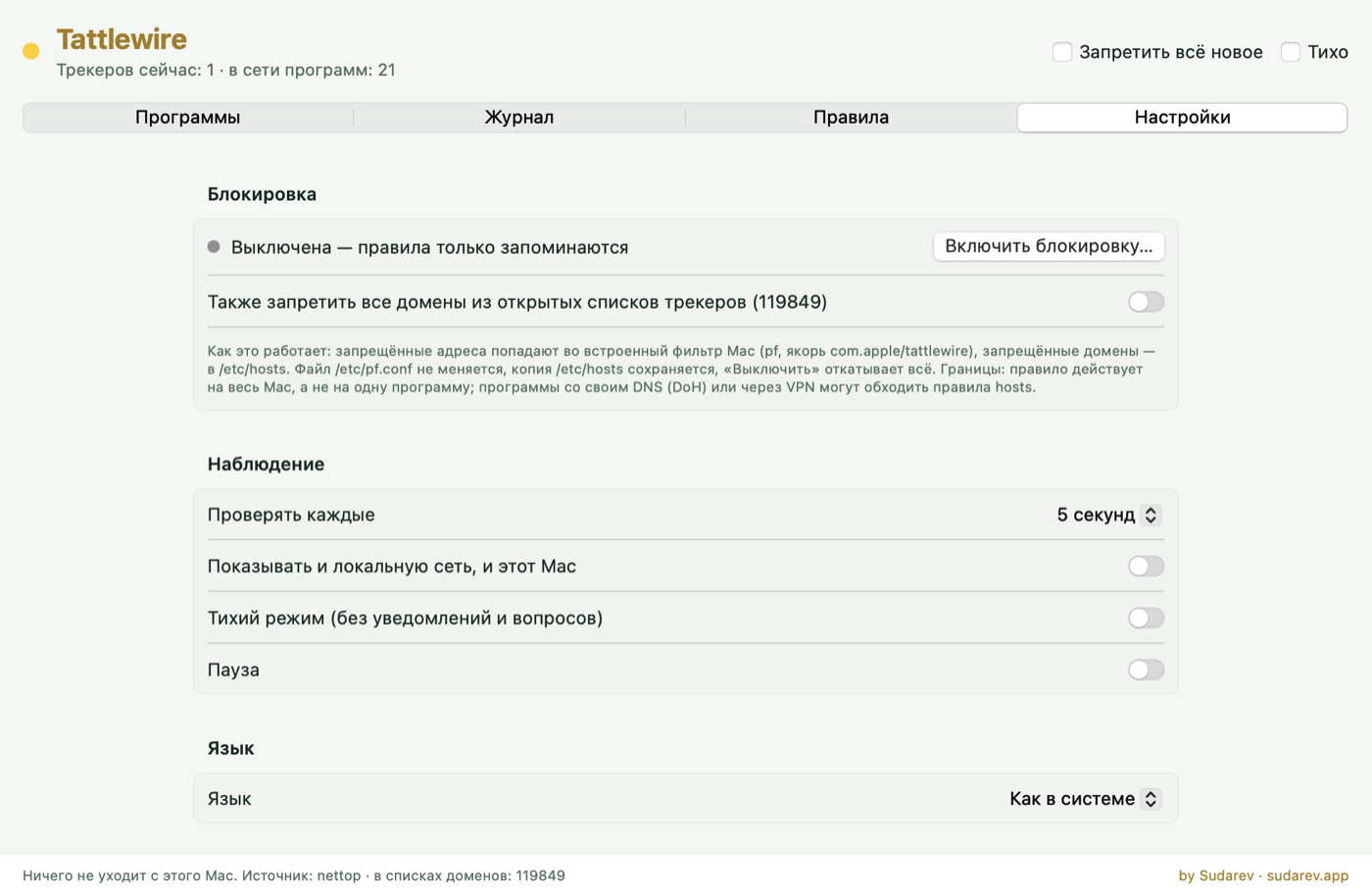
- Blocking is off until you press “Turn on blocking” and enter your Mac password. Before that, rules are only remembered.
- Blocked addresses go into the Mac’s built-in packet filter (pf, its own anchor), blocked domains into /etc/hosts between clear markers. /etc/pf.conf is not edited, a backup of /etc/hosts is kept.
- “Turn off blocking” removes everything Tattlewire added.
- Limits: a rule works for the whole Mac, not for one program. Programs with their own DNS (DoH) or a VPN can bypass hosts rules. Names are best-effort: shared clouds like Google or Cloudflare host many services on the same addresses.
Privacy
Tattlewire sends nothing anywhere: no accounts, no analytics, no updates check. It reads connections with the standard macOS tools nettop and lsof.
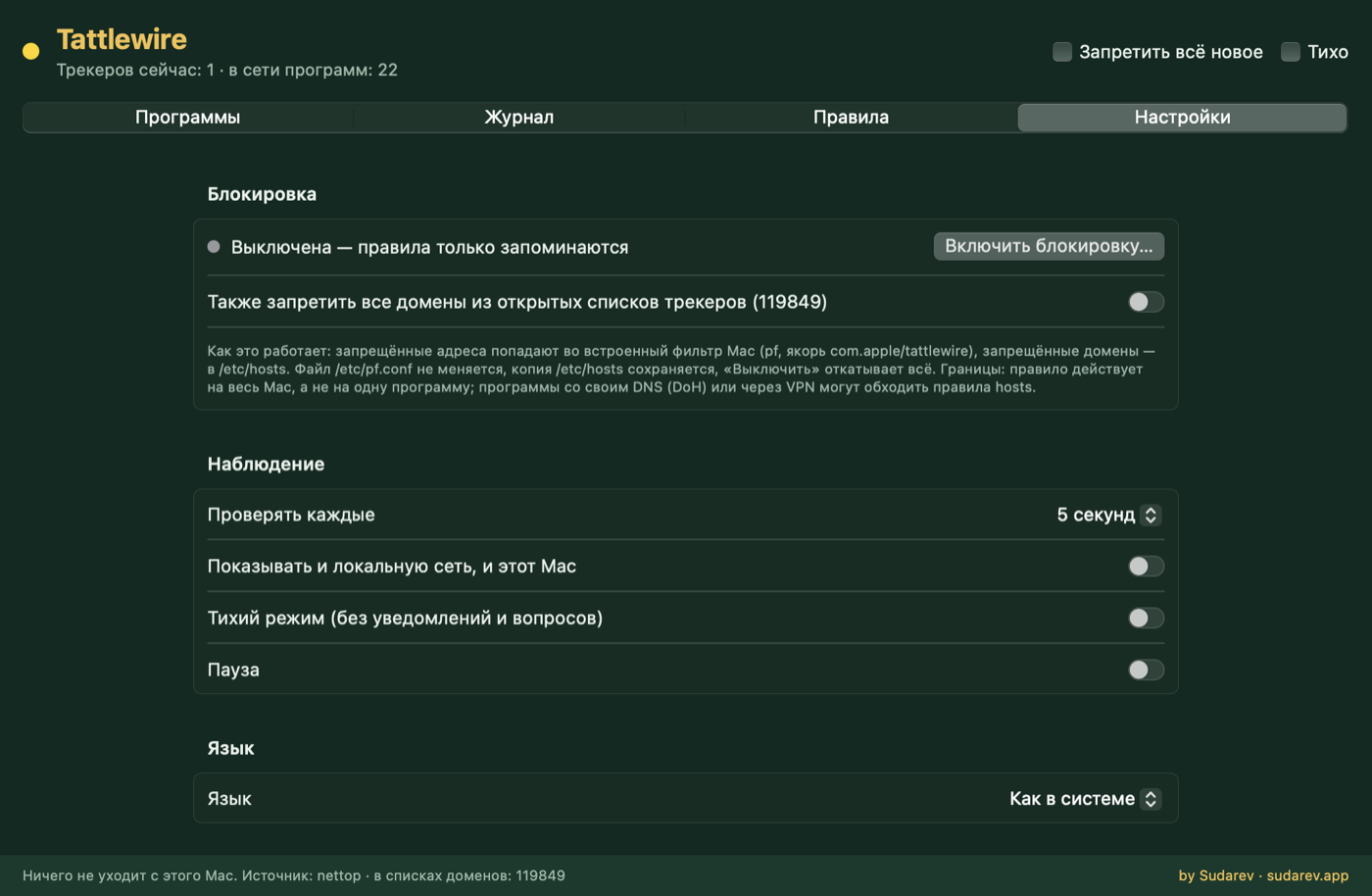
Settings, light and dark